The PDF shows the line. The terms are somewhere else.
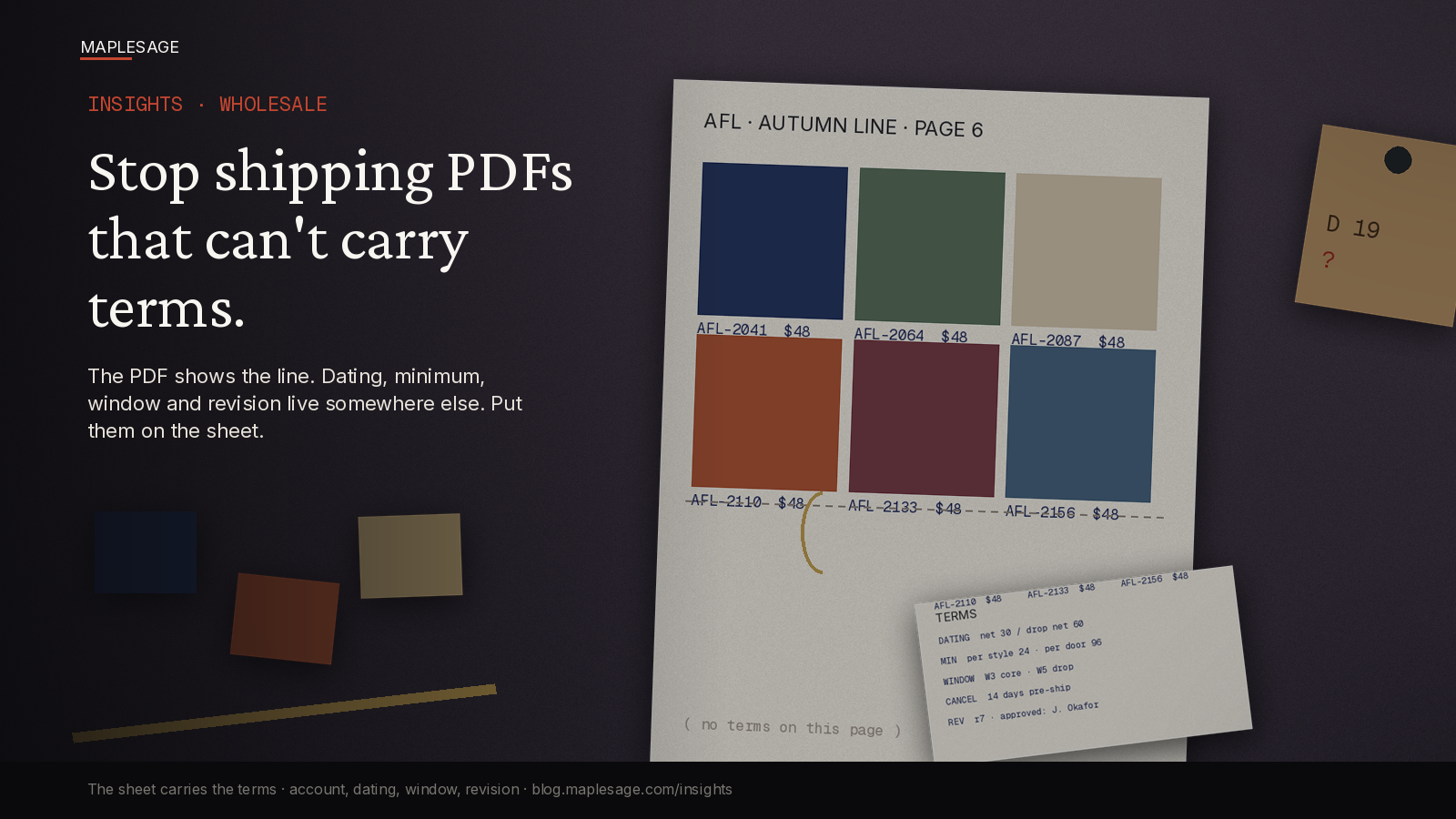
Every season the same file goes out. Sixty styles, clean photography, a cover page, a price column. The buyer opens it, likes it, and writes back with the questions the file could not answer. What is the dating? What is the minimum on this door? Does the window apply to the whole drop or only the core? Which version is this?
None of those are exotic. They are the terms. And the PDF has nowhere to put them.
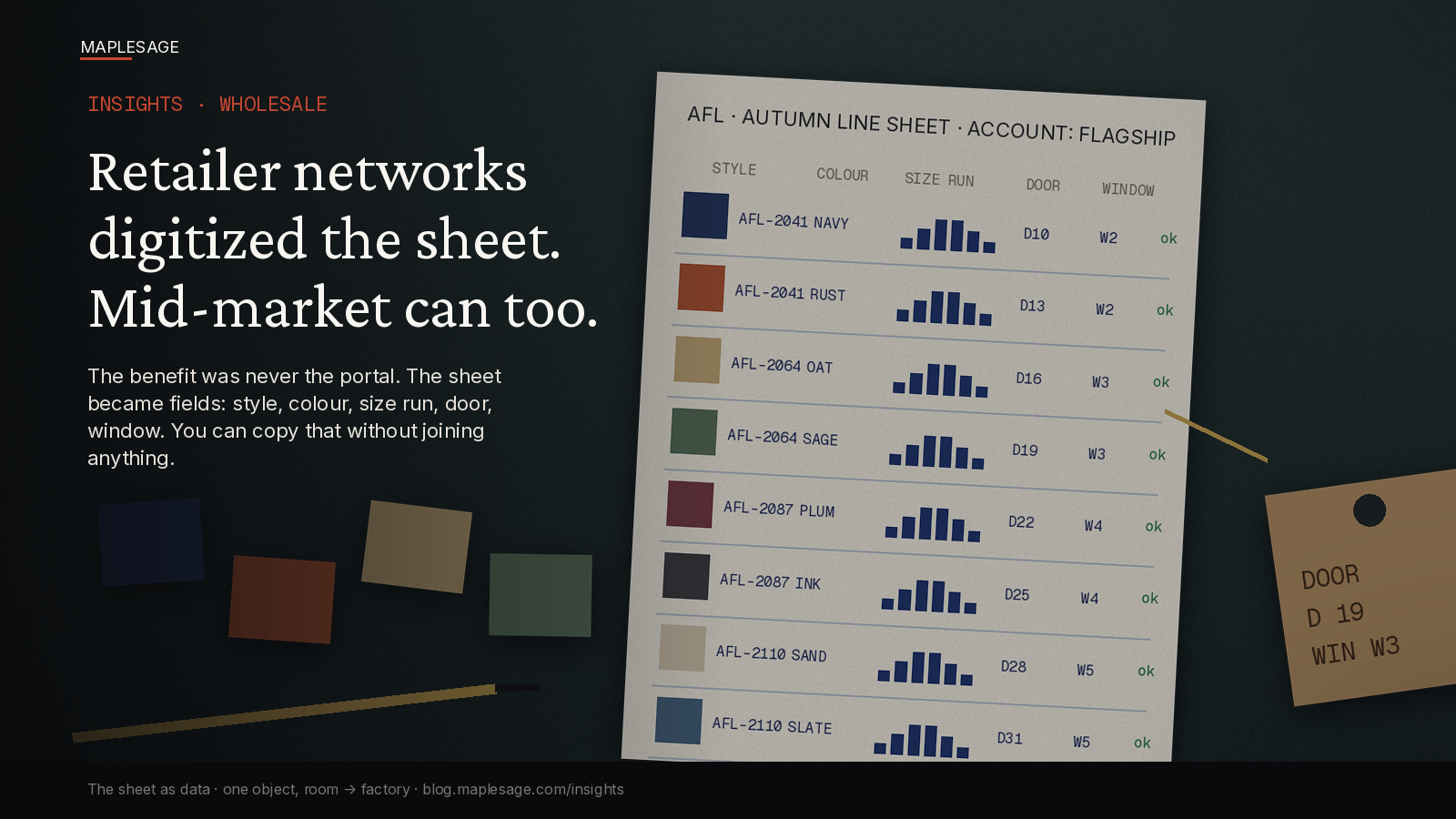
This follow-up sits on the spine: showroom → account-aware line sheet → quote → size/assortment → approved PO → production. Day 33 said the sheet should be fields, not a picture. This one is narrower. It asks what the sheet has to carry before it leaves the building, and why a PDF cannot.
What a PDF is good at
Showing. Layout, photography, brand. A PDF is a fine way to let a buyer see the line, and for a first look at a new account it is often the right artefact.
What it cannot do is bind. It has no concept of account, no typed fields, no revision that anyone else can check. Whatever is true for this buyer, this door, this season lives somewhere else, and the PDF is silent about it.
The terms that go missing
Not the price. Everyone prints the price. The ones that go missing:
- Dating. Net 30 on the core, extended on the drop, a different arrangement for the new account.
- Minimums. Per style, per colourway, per order. The MOQ the factory needs is not the MOQ the account was promised.
- Ship window. Attached to a style and a door, not to a footnote on page six.
- Cancel date. The last day anyone can change their mind without a conversation.
- Allocation and ATP. What is actually available to this account, as of today.
- Revision and approver. Which version, signed off by whom.
Every one of these changes the outcome. Every one is normally in an email, a rep’s notes or a spreadsheet nobody sent.
How the gap gets filled
By a person. The rep remembers the arrangement. Ops finds it in a thread. The buyer reads the PDF, assumes the standard, and the first time the difference surfaces is on the order or the invoice.
That is a cheap failure at the start and an expensive one later:
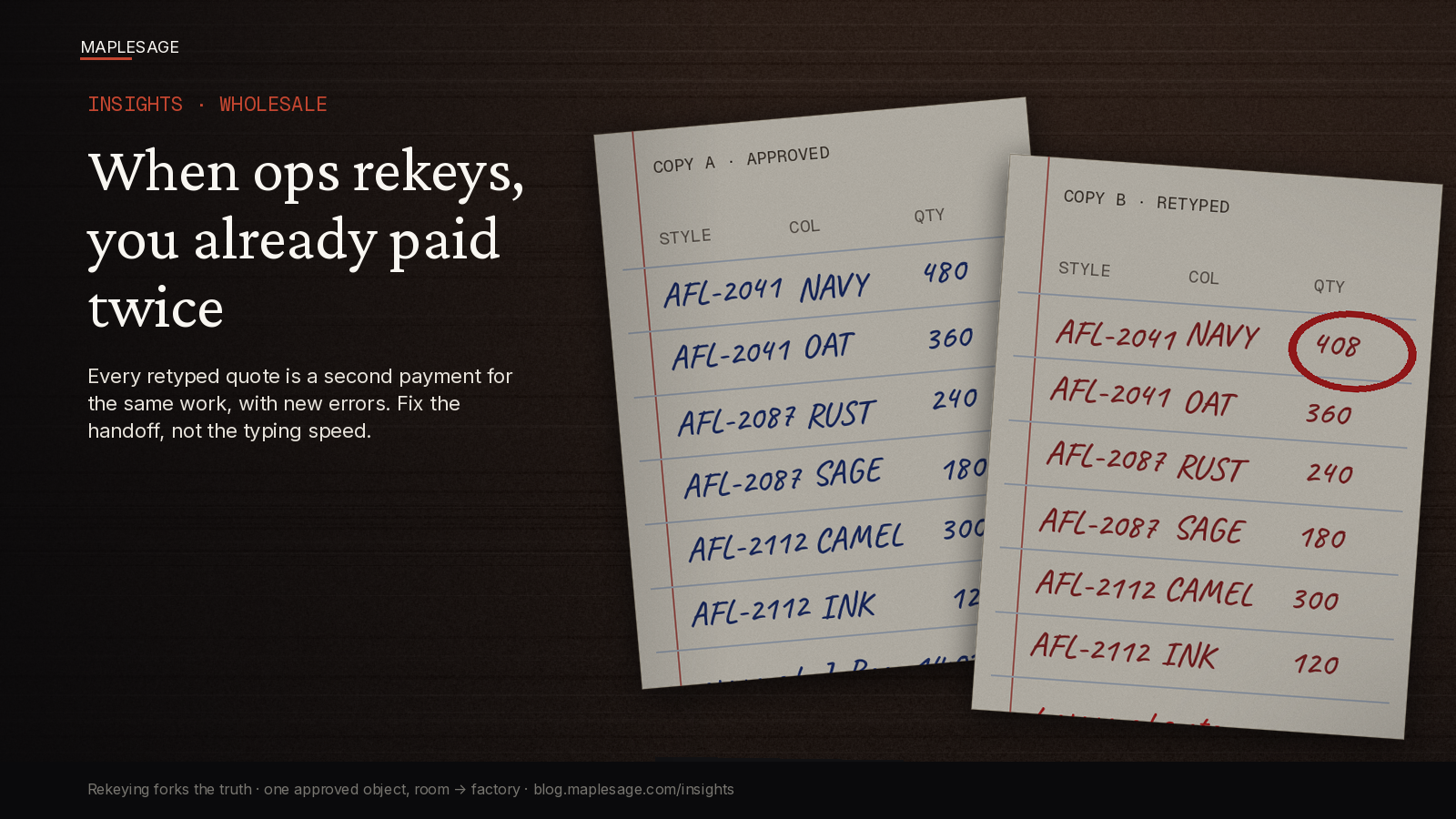
- The quote repeats the PDF’s silence. The terms are added by hand, per account, from memory.
- The PO inherits the guess. The buyer’s PO carries their reading of the terms, not yours.
- Production gets a clean number with no context. The window changed in March, the cut was planned in January.
- Someone has to reconcile. Normally after the goods have shipped.
Nothing in that chain is dramatic. It is a series of reasonable assumptions that nobody checked against the same record.
What the sheet has to carry
Not a longer PDF. A sheet that is an object with an account on it. At minimum:
- The account. A flagship door and an outlet do not get the same sheet, because they do not get the same terms.
- Terms on the line. Dating, minimum and window attached to the style they govern, as values.
- The size run as units. Per size, per door, not “standard curve”.
- Availability as of a date. So “available” has a timestamp.
- A revision number and a named approver. So “which version” has an answer.
The PDF can still be generated from that object, as a view. That is the point. The picture becomes an output instead of the source of truth.
Where agents help, and where they should not
An agent can read the last season’s PDF and spreadsheet, propose the structured rows, and flag what does not parse: a window with no style, a minimum that contradicts the account’s agreement, a size run that does not add up. That turns a clean-up project into a review.
It should not invent terms. Commercial commitments are made by a person with authority. The agent prepares the object and shows its working. The approval stays human.
One-account test
Take the sheet you sent to one account this season and ask:
- Could the buyer read the dating, minimum and window for every style on it, without a separate email?
- Is the window attached to a style, or to a paragraph?
- If a minimum changed this morning, could you show which version the buyer holds?
- Does the sheet know which account it is for?
If the answers are “no”, “no”, “no” and “no”, you are shipping a brochure. A good one. It just cannot carry what the order depends on.
The close
Stop treating the PDF as the sheet. Treat it as a picture of the sheet, generated when needed. Put the account, the terms and a revision on the object itself, and the quote, the PO and the cut can read the same facts the buyer saw.
MapleSage Retail-OS is built around that spine: sheet → selection → quote → PO → production.