Sample-room size stacks — curves belong on the wholesale sheet before the buy
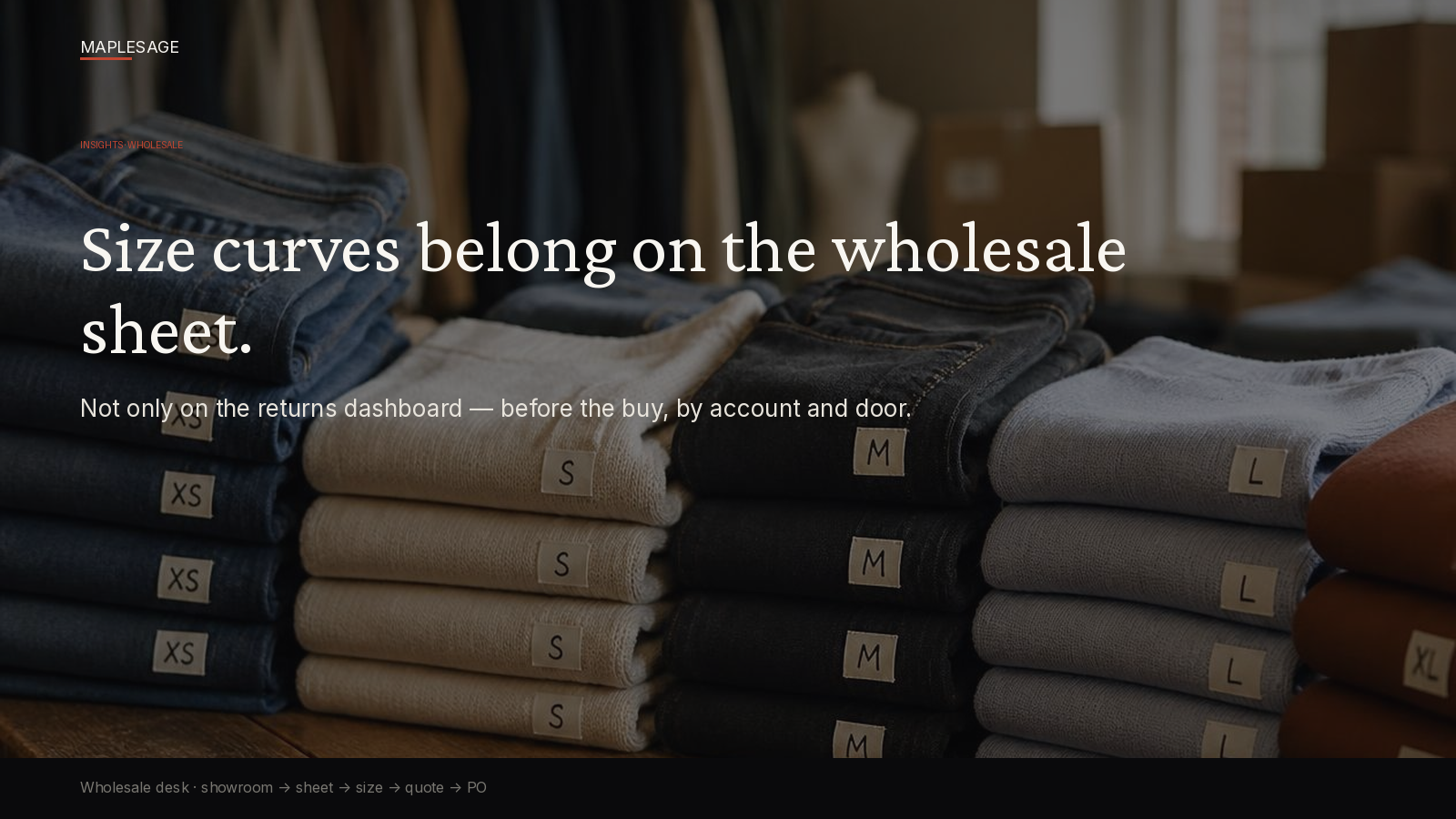
Fit and size intelligence only create wholesale value if they land on the account’s line sheet before the buy — not as a post-purchase DTC returns dashboard.
This follow-up deepens the assortment break in the spine: showroom → account-aware line sheet → quote → size/assortment → approved PO. The flagship covers why the sheet must stay the system. Here we stay on when — and where — the curve belongs.
The misuse
AFL brands pour energy into returns analytics, SKU fit maps, and on-site size badges. Useful for DTC. But if the wholesale sheet still ships a generic curve to every door, you’ve optimized the wrong moment.
Wholesale buys on account and season. The curve has to be on that sheet when the buyer is in the room — not three months later when the returns report arrives and merchandising asks why door three is drowning in mediums.
Timing is the product. Late intelligence is commentary.
DTC returns data vs the wholesale buy moment
DTC tells you what happened after someone already owned the garment. Wholesale decides what will sit on a retail floor before anyone tries it on in that door’s customer base.
Those are different decisions:
| Moment | Question | Wrong home for the answer |
|---|---|---|
| DTC returns | What sized wrong after purchase? | Wholesale sheet at market |
| Wholesale buy | What curve should this account/door take now? | A returns dashboard next quarter |
You can (and should) feed sell-through and return patterns into next season’s curve. You should not wait for the dashboard to do the job the sheet was supposed to do at appointment time.
Related framing on why the sheet itself must carry commercial truth: Your Line Sheet Isn’t a System. Full spine: The Wholesale Season Breaks When the Sheet Stops Being the System.
Account-specific curve — a concrete example
A retailer wants 60 units of a denim style across four doors.
A generic curve might allocate: XS 6 / S 12 / M 18 / L 14 / XL 10
The account’s history might require: XS 3 / S 9 / M 19 / L 18 / XL 11
Those aren’t analytics decoration. They are the wholesale order. If the quote and PO inherit the generic curve, you’ve already booked the wrong inventory for that retailer — before production commits, and long before returns dashboards light up.
Run the same exercise door by door and the gap widens.
Door differences are the point
Flagship urban, outlet, resort, and pure-play doors often need different depth and different size mix for the same style.
- A city flagship may need more extremes and fewer mediums than a suburban door
- Outlet may compress the curve and shift depth
- Resort may skew lighter sizes and different colorways
- A pure-play partner may bring their own planned units by size
If your sheet only knows “the style,” you’ve flattened the buy. If it knows account + door + curve + ATP in one matrix, the buyer and the desk are looking at the same commercial object.
That’s why size curves belong inside assortment workflows — allocating units across doors with size totals and per-door quantities visible while the buy is happening.
ICP framing
For mid-market brands selling TO retailers (~$10M–$250M wholesale), size/fit data is an input to:
- assortment by door
- live line sheet truth
- quote viability
- gated PO
Not a TikTok-to-checkout story. Not a CRM activity. Not an insurance pitch.
Heads of wholesale and the merch/ops partners who own the book feel the cost when curves arrive late: markdowns, refill friction, and buyer trust that erodes when last season’s wrong mix repeats.
Product proof note — Retail-OS size matrix
MapleSage Retail-OS surfaces size mix on the account’s matrix before the buy — door terms and ATP in the same place as the sheet the desk will quote. The curve isn’t a report bolted on after the PO; it’s part of sheet truth on the path showroom → live sheet → quote → gated PO.
See the buyer path: b2b.maplesage.com. Wholesale surface: www.maplesage.com/retail/wholesale/. Talk: go.maplesage.net.
What we won’t pitch
- Pure D2C size-badge theater as a wholesale fix
- Competitor assortment UI screenshots
- “Another CRM” that never touches the sheet
Next step
If your best size intelligence still lives on a returns dashboard, move it to the wholesale sheet — before the buy, by account and door.
Social after publish
Queue only after the flagship live URL exists and this post is live.
LinkedIn: Size curves on the sheet, not only the returns dashboard. + article URL.
X: Wholesale first — curve before the buy.
Visual: designed sample-room photo creative — size stacks / curve before the buy (never raw Retail-OS UI).