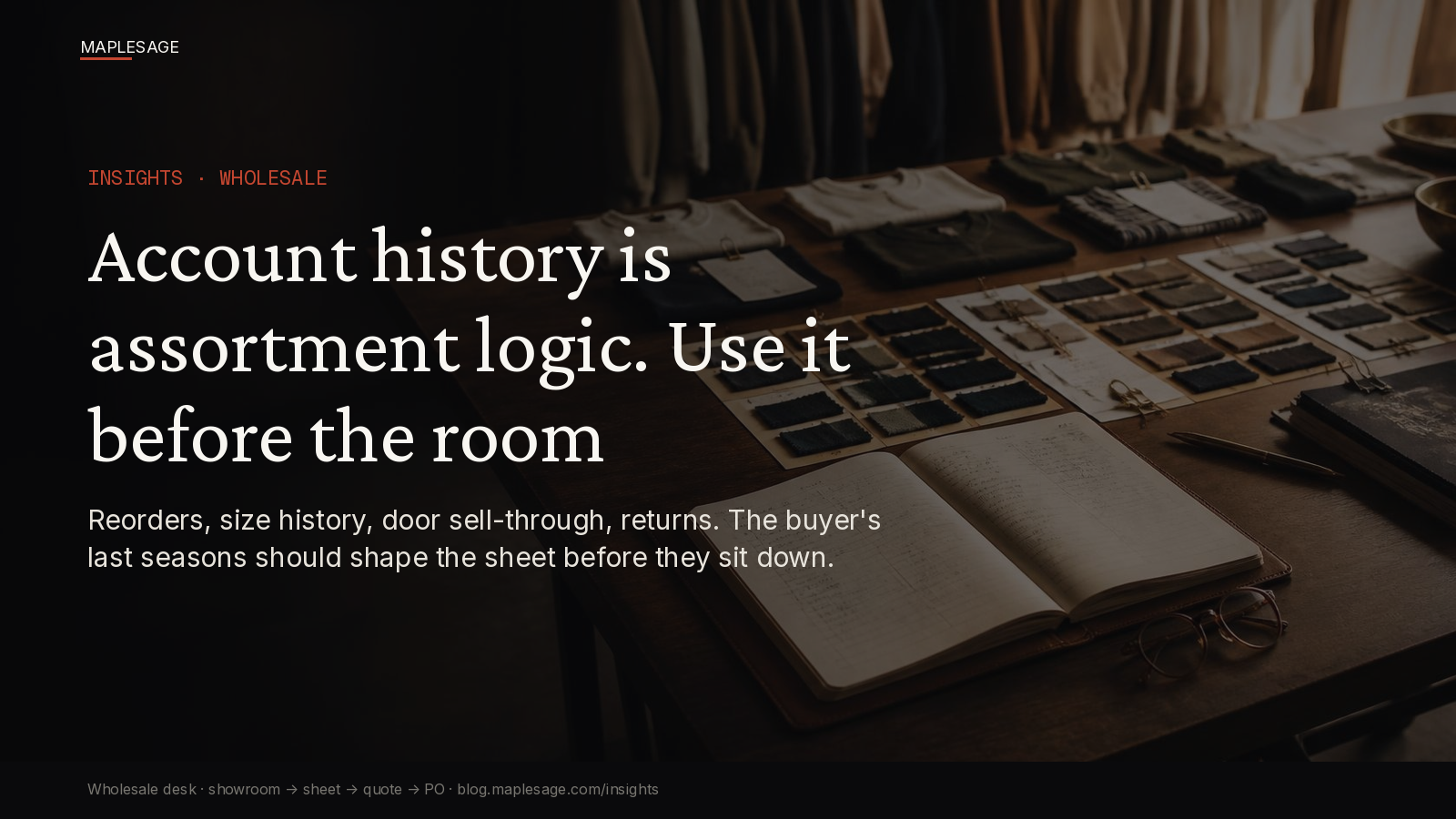
Last season’s ledger is already on the table. The assortment should start there.
Every rep has run this appointment. The buyer sits down, the new season goes up on the screen, and the first twenty minutes are spent reconstructing what this account actually bought last time. Which colourways reordered. Which sizes sat. Which doors took the outerwear and which sent it back.
The answer exists. It’s in the ERP, a sell-through report the buyer emailed in March, and the rep’s own notes from the last two seasons. It just isn’t in the room when the assortment gets built.
This follow-up sits on the spine: showroom → account-aware line sheet → quote → size/assortment → approved PO. Day 2 made the showroom account-aware. This one is about the input that should shape every account’s sheet before the appointment starts: its own history.
The misuse
Account history gets treated as a reporting artifact. Something the rep pulls after the meeting to sanity-check the order, or something finance looks at to set the credit line.
In wholesale, account history is assortment logic. It already answers the questions the room spends its time guessing at:
- “They reordered the navy twice, so lead with navy and go deeper”
- “Their curve runs small: XS and S sold through, XL went to markdown”
- “Three of their doors never take outerwear; build those doors without it”
- “Returns on the knit were fit, not demand, so keep it but fix the block”
When that history lives outside the sheet, every team works from a different picture of the account:
- The rep presents the full line and lets the buyer filter from memory
- The buyer builds the assortment from last season’s gut feel, not last season’s numbers
- Planning sees an order that repeats last season’s mistakes on size and depth
- Ops allocates to doors that never sold the category
- Finance approves a buy that looks like growth but is mostly next season’s markdown
Nobody did anything wrong. The history just never made it to the table.
History pulled after vs history on the sheet
| Moment | History pulled after the room | History on the sheet |
|---|---|---|
| Before the appointment | Rep prints the new line, same for every account | Sheet opens with the account’s past buys, reorders, and returns |
| In the showroom | Buyer recalls what sold from memory | Last season’s sell-through sits next to each style |
| Assortment | Built style by style from scratch | Starts from what this account’s doors actually move |
| Size curve | Default curve, adjusted by feel | Curve seeded from the account’s own size history |
| Door split | Same assortment sent to every door | Doors that never take a category start without it |
| At the quote | Quote shows units and price | Quote shows units against last season’s depth and sell-through |
| PO approval | Approval checks credit only | Approval sees whether the buy repeats a known markdown |
| Next season | History is still an export | This season’s buy becomes the next sheet’s starting point |
The after-the-room desk asks: what did this account buy last time? The sheet desk already knows, because the history was the first thing on the page.
Why “we’ll check the history after” is too late
By the time the rep checks the export, three decisions have already been made without it:
- The depth decision. The buyer committed units on styles that markdowned last season and stayed shallow on the ones that reordered. Fixing it means reopening an order the buyer thinks is done.
- The curve decision. A default size curve on an account that runs small sends XLs to doors that will mark them down in eight weeks. The curve was the history; it just wasn’t used.
- The door decision. Allocating a category to doors that have never sold it isn’t a bet. It’s a return waiting for a ship date.
Checking history after the appointment doesn’t fix any of these. It just tells you which ones you’ll be explaining at next season’s review.
Related: The Account-Aware Showroom. Size Curves Belong on the Wholesale Sheet. Door Terms Belong on the Sheet. One Season Book Beats Five Spreadsheets. When Finance Discovers Dating Late, the Season Already Lost. Full spine: The Wholesale Season Breaks When the Sheet Stops Being the System.
What history has to carry to be useful
Account history only shapes the assortment if it arrives on the sheet in a form the rep and buyer can act on in the room:
- Buys and reorders by style and colourway: what was ordered, what was reordered, and how fast
- Sell-through by door: which doors moved the category and which held it to markdown
- Size history: the curve the account actually sold, not the curve it was shipped
- Returns with a reason: fit, quality, late delivery, or no demand, because each one means something different for the next buy
- Carryover flags: styles in the new line that replace or continue something this account already knows
- One record: this season’s approved PO becomes the history the next sheet opens with
When those live on the account-aware sheet, the assortment starts from evidence. When they live in an export, the assortment starts from memory.
ICP framing
For mid-market AFL brands selling to retailers (roughly $10M to $250M wholesale), whether account history shapes the sheet before the room or gets checked after it is an input to:
- how much of each season’s buy ends up in the account’s markdown
- how often size curves get corrected after the PO instead of before it
- how many door allocations come back as returns
- how long appointments spend reconstructing the past instead of building the next season
It isn’t a BI dashboard, a sell-through PDF the buyer sends once a season, or a reminder to “pull the history before the meeting.”
Heads of wholesale feel it when a key account’s buy looks like growth in the room and like markdown at the season review.
Product proof note: the Retail-OS wholesale path
MapleSage Retail-OS keeps account history on the same account-aware commercial object as the sheet: showroom, live sheet seeded with the account’s past buys, reorders, size history and returns, quote, size and assortment by door, door terms and dating, availability for the window, and a gated PO approval. Each approved PO becomes the history the next season’s sheet opens with.
See the buyer path: b2b.maplesage.com. Wholesale surface: www.maplesage.com/retail/wholesale/. Talk: go.maplesage.net.
What we won’t pitch
- “AI-recommended assortments” that ignore what the account’s own doors sold
- A separate history report the rep reads in the car park before the appointment
- Competitor dashboard or ERP screenshots as the hero
Next step
If your appointments keep starting with “what did we do last season?”, stop treating account history as a report. Put the account’s buys, reorders, size history, and returns on the sheet before the buyer walks in, so the assortment starts from what their doors actually sell.