Exceptions are fine. Unrecorded exceptions are the problem.
A key account wants 18 units on a style with a 24 minimum. Or an early ship. Or net 60 instead of net 30. Or a colour that is not on the sheet.
Any Head of Wholesale says yes to some of these. That is the job. The failure is not the yes. It is where the yes lives.
Most mid-market brands approve exceptions in the inbox. A rep emails the VP. The VP replies “ok this once.” Someone forwards it. Three weeks later the PO arrives with the exception baked into the quantities, and nobody in ops or finance can find the approval.
What goes wrong in the inbox
- No owner. The approval sits in one person’s mailbox. If they are out, nobody can confirm it.
- No scope. “OK this once” does not say which style, which door, which season.
- No expiry. Once is how it starts. By next season it is the account’s standard terms.
- No link to the order. The PO, the cut and the invoice cannot cite an email.
- No count. Nobody can answer how many exceptions were granted last season, or what they cost.
What a gate is
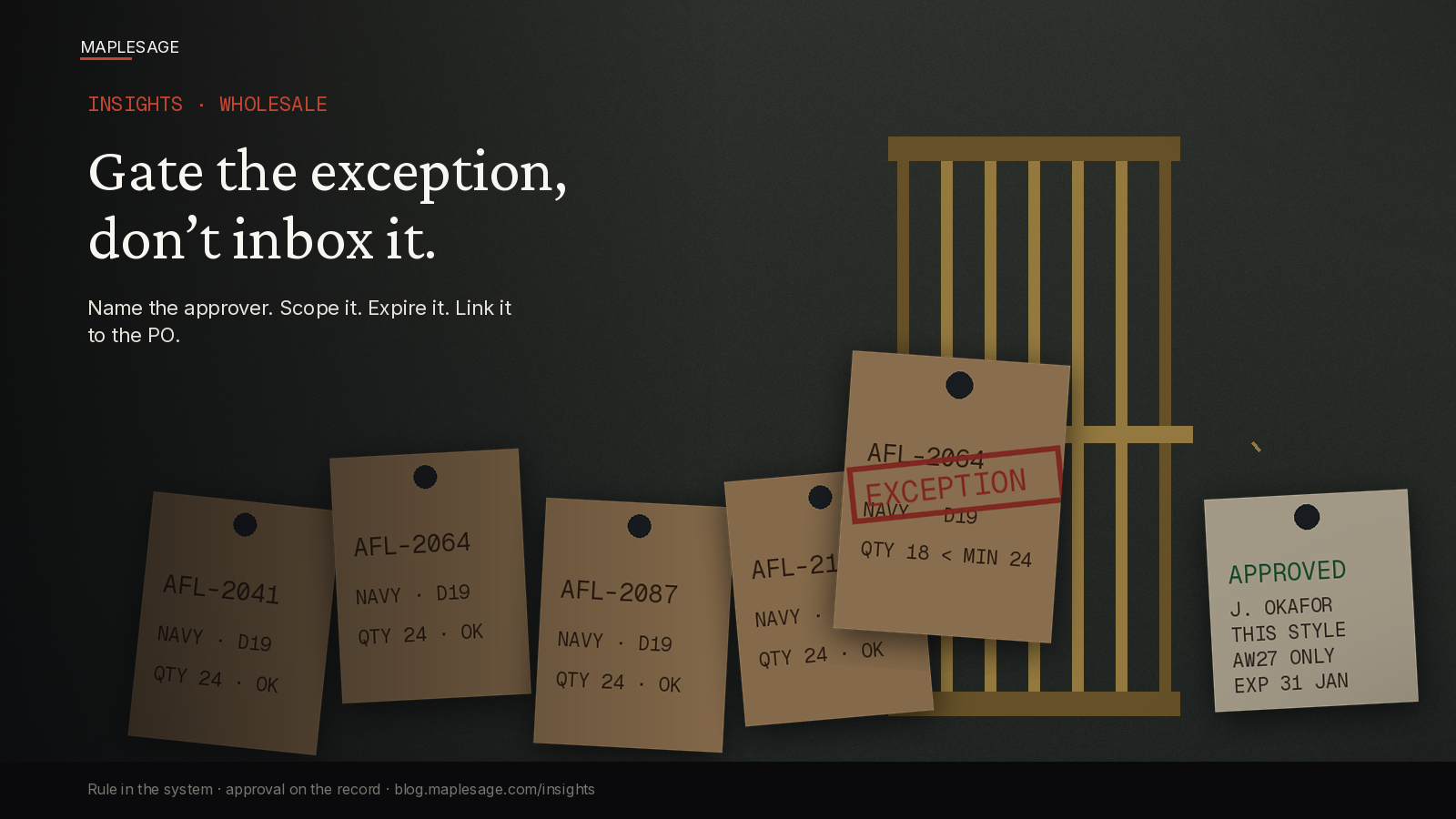
A gate is a rule plus a record. The rule says what is normal: MOQ per style, dating tiers, ship windows, colour list. Anything inside the rule passes without a conversation. Anything outside stops at the gate and needs a named approver.
The record is the part inboxes cannot give you. Each exception is one object with a fixed set of fields:
| Field | Example |
|---|---|
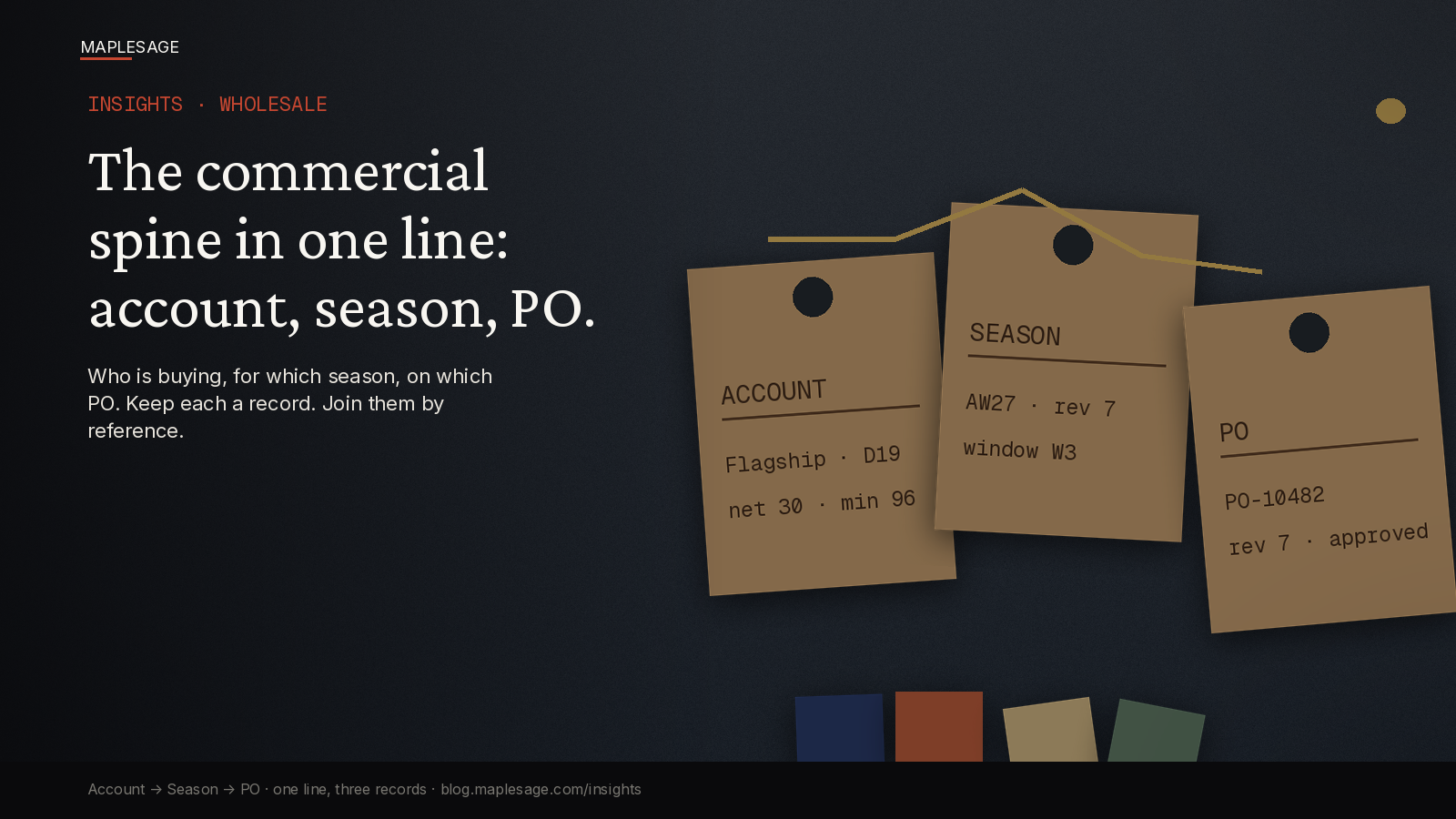
| Account | Flagship · door D19 |
| Rule broken | MOQ 24 per style |
| Ask | 18 units, AFL-2064 Navy |
| Approver | J. Okafor |
| Scope | This style, this season only |
| Expires | End of AW27 order window |
| Linked to | Quote Q-3318, then PO-10482 |
Seven fields. If an exception cannot fill them, it is not approved yet.
Three rules for the gate
1. Set the rule in the system, not in people’s heads. If MOQ is 24, the quote knows 24. A line at 18 is flagged at the moment someone types it, not when production notices.
2. Route by size of the ask. Small asks go to the account manager. Terms changes go to the Head of Wholesale. Anything that touches margin goes to finance as well. Write the thresholds down once.
3. Attach the exception to the quote and carry it to the PO. The approver sees the ask in context: account history, season, what was granted before. The PO inherits the exception by reference. Ops reads one record, not a thread.
What you get back
Speed first. A reasoned yes inside the gate takes minutes, because the approver is not reconstructing context from a forwarded chain.
Then margin. Once exceptions are counted, you can see which accounts live on them. That is a pricing and terms conversation you could not have before.
Then fewer disputes. When a retailer claims they were promised net 60, the record says what was approved, for which season, and when it expired.
A one-week test
Pull last season’s five biggest accounts. For each, find every exception you granted. Time yourself.
- Can you find all of them in under ten minutes?
- Does each have an approver, a scope and an expiry?
- Can you link each one to the PO it shaped?
If not, the exceptions are running the account, not you.
The short version
Say yes when it makes sense. Just do not say it in an inbox. Put the rule in the system, put a name on the approval, put an expiry on the exception, and link it to the order.
MapleSage Retail-OS keeps the wholesale spine in one place: sheet → selection → quote → PO → production. More Insights at blog.maplesage.com..